Quick take: Age‑appropriate YouTube for toddlers can be safe when you choose the right channels, use built‑in parental controls, and limit screen time to short, focused bursts. Start with YouTube Kids, set restricted mode, and co‑view whenever possible. If your child shows signs of over‑use, pause, talk, and replace with hands‑on play.
It was 3 a.m. and you were half‑asleep, scrolling through a sea of tiny cartoon thumbnails while your two‑year‑old clutched a stuffed rabbit and giggled at a bouncing dinosaur. You felt a pang of guilt—“Is this okay?”—but also relief that the video kept the little one quiet while you finished a work email. You’re not alone. Modern moms often wonder whether the endless parade of toddler‑friendly videos on YouTube is truly safe, how to keep the content age‑appropriate, and how much screen time is actually healthy. This guide walks you through every step, from picking the best channels to setting parental controls, establishing screen‑time limits, and spotting the early signs of over‑use.
In the next few pages you’ll learn which channels are vetted for ages 2‑3, how to lock down YouTube so only suitable videos appear, the real safety risks and how to mitigate them, and practical tips for co‑viewing that turn a passive screen into an interactive learning moment. We’ll also compare YouTube Kids with the regular YouTube app, suggest alternatives, and give you a checklist for spotting “addiction” in a toddler. By the end, you’ll feel confident that the videos you select support your child’s development rather than hinder it.
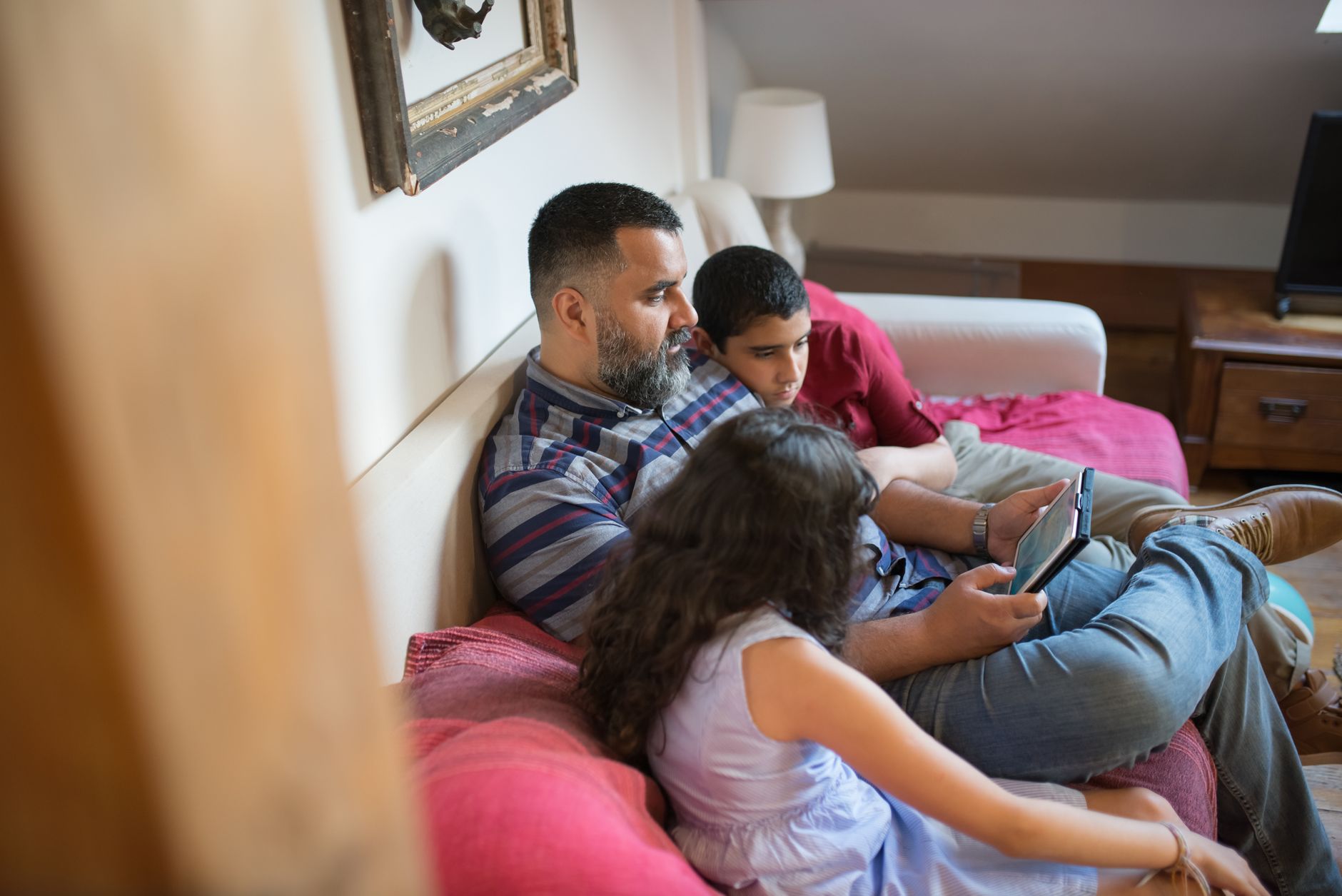
Best age‑appropriate YouTube channels for toddlers ages 2‑3
When you open YouTube Kids, the first thing you’ll see is a long list of channels. Not all of them are created equal. Below are the top‑rated, consistently‑produced channels that meet the American Academy of Pediatrics (AAP) recommendation for high‑quality, educational content aimed at toddlers.
- Super Simple Songs – Short, sing‑along songs that teach basic concepts like numbers, letters, and emotions.
- Cocomelon – Nursery Rhymes – Bright, repetitive songs that reinforce language and social skills.
- Sesame Street – Classic characters covering colors, shapes, and kindness.
- Blippi – Live‑action exploration videos that encourage curiosity about everyday objects.
- Baby Einstein – Gentle music and simple visuals designed for sensory development.
- Little Baby Bum – Animated nursery rhymes with clear narration.
- StoryBots – Fun, answer‑driven episodes that introduce basic science concepts.
These channels share common traits: clear, slow speech; minimal background noise; no fast‑cut editing; and a focus on one learning objective per video. A quick way to verify quality is to watch the first three videos yourself—if they feel calm, age‑appropriate, and free of flashing ads, they’re likely a safe pick.
Beyond the big names, you may also explore niche channels that specialize in bilingual content or sign‑language basics, which can be especially valuable for families looking to broaden language exposure early. Just remember to apply the same checklist—slow pacing, single focus, and no surprise ads—before adding them to your toddler’s rotation.
YouTube Kids recommended videos for 2‑year‑olds
Within the YouTube Kids app, you’ll find a “Recommended for you” carousel that adapts as you watch. For a two‑year‑old, start with these specific playlists:
- Super Simple Songs – “Colors Song” (2 min)
- Cocomelon – “The Wheels on the Bus” (3 min)
- Sesame Street – “Elmo’s World: Pets” (4 min)
- StoryBots – “What Is a Dinosaur?” (5 min)
These selections stay under five minutes, matching a toddler’s short attention span while reinforcing a single concept.
When you add a video to a personal playlist, consider pairing it with a short, hands‑on activity that mirrors the content—like a color‑sorting bin after the “Colors Song” or a plush dinosaur after the “What Is a Dinosaur?” episode. This reinforces learning and keeps the screen time purposeful.
How to set parental controls on YouTube for toddlers
Both YouTube Kids and the regular YouTube app have built‑in parental controls. The safest route is to start with YouTube Kids and enable every restriction before handing the device to your child.
- Download the YouTube Kids app from the App Store or Google Play.
- Create a parent account using an email address that only you can access.
- Choose your child’s age range (2‑4 years). This automatically filters out most mature content.
- Enable “Restricted Mode”—a toggle that blocks videos flagged for inappropriate language or themes.
- Set a daily time limit (e.g., 30 minutes). The app will lock automatically when the limit is reached.
- Activate “Approved Content Only” if you want to hand‑pick each video or playlist yourself.
- Turn off autoplay (see the “Parental guide to YouTube autoplay” section below) so the app doesn’t automatically queue the next video.
- Review watch history weekly to ensure nothing slipped through.
For families that prefer the regular YouTube app, you can enable Restricted Mode in Settings → General → Restricted Mode. However, the regular app’s algorithm is less predictable, and it may still surface ads or recommended videos that aren’t toddler‑friendly.
In the United Kingdom, NHS guidance echoes the AAP’s recommendations, advising that parental controls be used on any device your child accesses, and that screen‑time be limited to short, supervised periods. Aligning with both U.S. and UK standards helps you feel confident that you’re meeting the most rigorous safety benchmarks.
Parental guide to YouTube autoplay for toddlers
Autoplay is the feature that automatically starts the next video after the current one ends. For toddlers, it can lead to endless scrolling. To disable it:
- In YouTube Kids, go to Settings → Autoplay and toggle it off.
- In regular YouTube, click the “Autoplay” switch at the top right of the “Up next” column.
Turning autoplay off gives you the chance to select the next video deliberately, keeping the viewing session purposeful.
Some parents find it helpful to set a visual cue—like a small hourglass on the table—so the child can see how much time remains. This tangible reminder supports the transition away from the screen when the timer expires.
What are the safety risks of toddlers watching YouTube?
Even with parental controls, a few risks remain. Understanding them lets you proactively guard against them.
- Inadvertent exposure to ads—YouTube Kids does show limited, child‑friendly ads, but they can still promote sugary snacks or toys. The AAP advises limiting commercial exposure for children under two.
- Inappropriate content slipping through—Algorithms aren’t perfect. Occasionally a video with a misleading thumbnail can appear. That’s why a weekly watch‑history check is essential.
- Excessive screen time—The CDC links more than one hour of daily screen time for toddlers with reduced language development and sleep disturbances.
- Data privacy concerns—YouTube collects viewing data to personalize recommendations. Using a child‑only account with limited personalization reduces data collection.
Most of these risks can be mitigated with the controls described above, plus a commitment to co‑view and set clear limits.
Additionally, the U.K.’s Information Commissioner’s Office (ICO) reminds parents that any data collected from children under 13 must be handled with extra care. When possible, disable personalized ads and consider using a device that doesn’t sync with a broader Google account.
How to block inappropriate videos on YouTube for toddlers
If you discover a video that shouldn’t be in the feed, you can flag it directly:
- Tap the three‑dot menu on the video thumbnail.
- Select “Not appropriate for kids.”
- Choose “Report” and follow the prompts.
After a few reports, YouTube’s algorithm learns to avoid similar content for your child’s profile.
It’s also a good practice to add any flagged videos to a “blocked” list within the app, ensuring they never appear again even if the algorithm tries to re‑recommend them.
How many minutes of YouTube is safe for a toddler each day?
Current guidance from the American Academy of Pediatrics (AAP) recommends that children aged 2‑5 years have no more than one hour of high‑quality screen time per day, and that this time be split into short, purposeful sessions. For toddlers, a 30‑minute limit is a practical target, especially if the content is educational.
Here’s a simple breakdown you can use at home:
Break up viewing with interactive activities—sing the song together, act out the story, or draw the shapes you just saw. This reinforces learning and keeps the child active.
Research from the National Institutes of Health (NIH) shows that short, co‑viewed videos can actually boost vocabulary when adults label objects and repeat key words. The key is intentional engagement, not passive consumption.
Effects of screen time on toddler development (YouTube focus)
Research from the National Institutes of Health (NIH) shows that excessive screen exposure before age 3 can interfere with language acquisition and executive function. However, high‑quality, short videos that are co‑viewed with an adult can support vocabulary growth when the caregiver labels objects and repeats key words.
Conversely, a study published by the American Academy of Pediatrics found that toddlers who spent more than 30 minutes per day on passive video content scored lower on attention‑control tasks at age five. This underscores the importance of balancing screen time with physical play and face‑to‑face interaction.
YouTube Kids vs regular YouTube: which is safer for toddlers?
The short answer: YouTube Kids is generally safer because it is built specifically for children, with stronger default filters and a simpler interface. Below is a side‑by‑side comparison of the two platforms.
If you do need to use regular YouTube—perhaps for a specific educational video not available on Kids—make sure to enable Restricted Mode, turn off autoplay, and supervise every session.
In the United Kingdom, the NHS recommends using kid‑focused platforms whenever possible, citing evidence that dedicated children’s apps have fewer accidental ad exposures and better age‑appropriate content curation.
How to find educational vs entertainment content for toddlers on YouTube
Distinguishing “educational” from “pure entertainment” can be tricky when thumbnails are bright and characters are cute. Use these criteria:
- Learning Objective: Does the video have a clear goal (e.g., “Teach colors” or “Introduce counting”)?
- Pacing: Educational videos often have slower pacing, repeated phrases, and sing‑along opportunities.
- Interaction Prompts: Look for videos that ask the child to point, clap, or answer simple questions.
- Production Quality: Established channels usually have consistent branding, no sudden scene changes, and minimal background noise.
Once you’ve identified a handful of educational videos, you can create a personalized playlist that alternates with short entertainment clips. This balance keeps the experience fun while still delivering learning value.
When you curate a playlist, consider the “learning curve” principle: start with the simplest concept, then gradually increase complexity. For example, a series might begin with “Red, Blue, Yellow” and later progress to “Primary vs. secondary colors.” This scaffolding mirrors how toddlers naturally build knowledge.
How to create a YouTube playlist for toddlers
- Sign in to your parent Google account.
- Search for the first educational video you trust.
- Click “Save” → “Create new playlist.” Name it “Toddler Learning – Colors & Shapes.”
- Repeat for each video you want to add, ensuring each is under 5 minutes.
- Toggle “Private” so only you can edit the list.
- Enable “Autoplay off” when playing the playlist on the device.
Having a ready‑made playlist eliminates the temptation to scroll through unrelated videos.
Remember to update the playlist every few weeks. Children’s interests evolve quickly, and fresh content keeps them engaged without resorting to longer, uncurated sessions.
Signs your toddler is addicted to YouTube and how to limit it
“Addiction” is a strong word, but certain patterns suggest that a toddler’s relationship with video content is becoming unhealthy. Look for these warning signs:
- Repeated requests for “just one more video” that last longer than 10 minutes.
- Visible irritability or tantrums when the device is turned off.
- Reduced interest in physical play, books, or social interaction.
- Difficulty falling asleep without a video playing in the background.
- Frequent “screen‑only” meltdowns when other activities are offered.
If you notice two or more of these signs, it’s time to intervene.
Ways to limit over‑use
- Set a clear schedule—e.g., “You can watch two videos after breakfast and two after lunch.” Write it on a visual chart.
- Introduce a “no‑screen” zone, such as the dinner table or bedtime.
- Swap screens for tactile activities—puzzle, block building, or a simple art project that ties to the video’s theme.
- Use a timer on the device; when it rings, the video stops automatically.
- Model balanced media use—show your child you also take breaks from screens.
Remember, consistency is key. The more predictable the routine, the easier it is for a toddler to accept limits.
For families who prefer a more structured approach, the NHS offers a “Screen Time Schedule” worksheet that you can print and hang on the fridge. It aligns with the AAP’s recommendations and provides a visual cue for both parent and child.
Tips for co‑viewing YouTube with toddlers to ensure safety
Co‑viewing isn’t just about supervision; it’s an opportunity to turn passive watching into active learning. Here’s a step‑by‑step routine many moms have found helpful.
- Choose the video together—let your child point to a thumbnail they like, then you verify it meets your criteria.
- Set a timer for the session (e.g., 10 minutes).
- Watch side‑by‑side on a low table or couch, keeping the device at eye level.
- Pause frequently (every 1‑2 minutes) to ask, “What did you just see?” or “Can you name the colors?”
- Act it out—if the video sings about animals, mimic the sounds together.
- Transition out by summarizing the lesson (e.g., “We learned that red is a color, and we see it on the apple”).
These small gestures reinforce comprehension, make the screen time purposeful, and strengthen your bond with your child.
Another helpful tip is to keep a “co‑viewing journal” where you jot down the video title, the concepts covered, and any follow‑up activities you did. Over time, this record becomes a go‑to resource for planning future sessions.
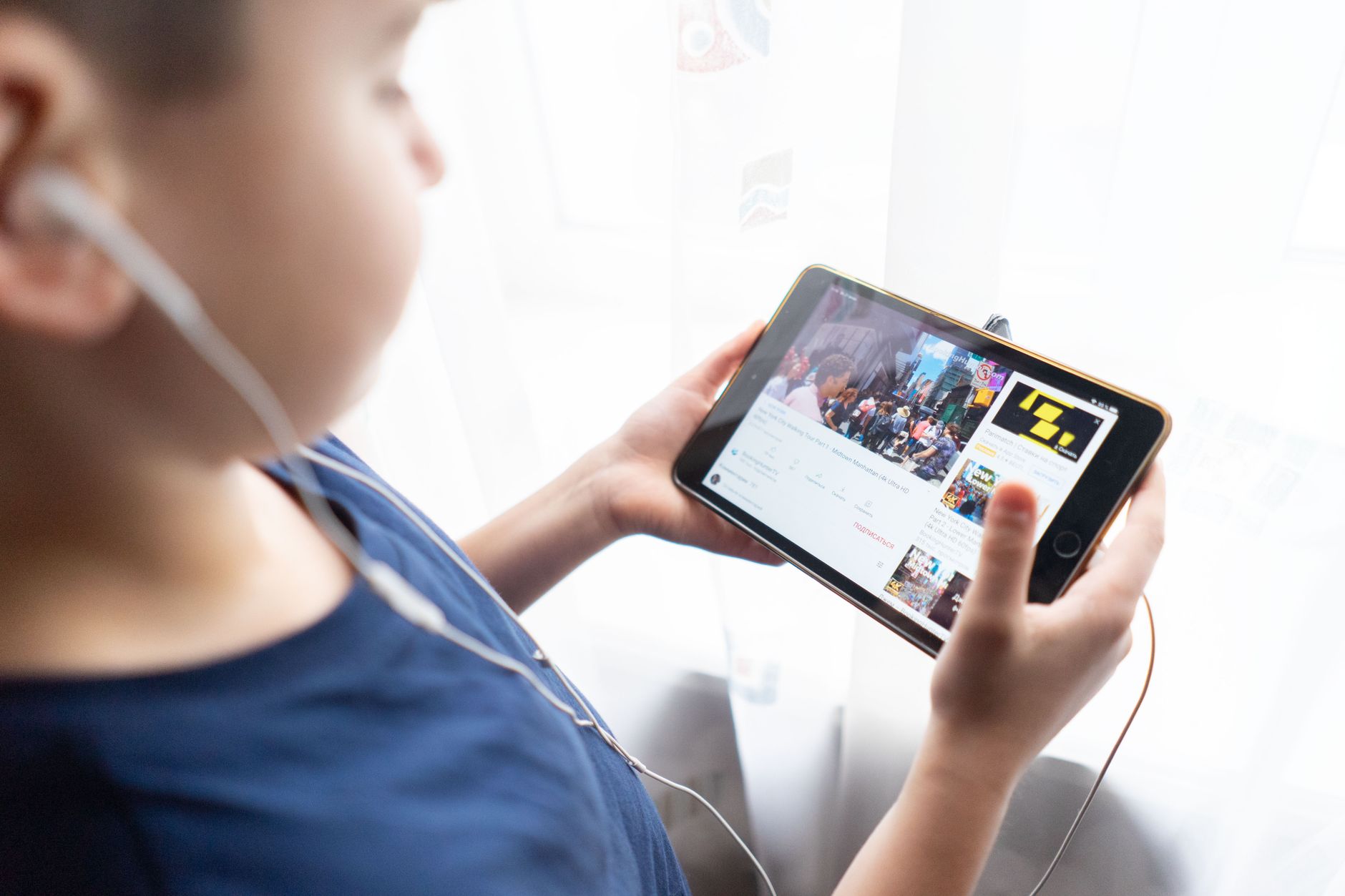
Choosing the right device and accessories for toddler YouTube viewing
The device you use can affect both safety and comfort. Tablets with reinforced cases, such as those designed for early childhood, reduce the risk of breakage and accidental taps that could exit the app. Look for models that allow you to disable the home button or lock the device to a single app—features often called “kiosk mode.”
Headphones designed for toddlers have volume limiters (usually capped at 85 dB) to protect sensitive ears. The Federal Drug Administration (FDA) recommends limiting children's exposure to loud sounds, especially during prolonged screen sessions.
When you pair a sturdy case with volume‑limited headphones, you create a controlled environment that minimizes both physical and auditory hazards. Many parents also use a “tablet stand” that keeps the screen at eye level, encouraging better posture and reducing the temptation to pick up the device.
Understanding YouTube’s algorithm and how to influence it for toddlers
YouTube’s recommendation engine learns from viewing history, likes, and watch time. For toddlers, this can be a double‑edged sword: the more they watch a particular channel, the more likely the algorithm will suggest similar content—sometimes drifting into less‑appropriate territory.
To keep the algorithm on your side, regularly “reset” the watch history for the child’s profile and use the “Not interested” option on any video that feels off‑track. Additionally, the “Approved content only” setting in YouTube Kids forces the app to show only videos you’ve manually approved, effectively overriding the algorithm’s default behavior.
Remember that the algorithm also reacts to the length of viewing sessions. Short, intentional bursts—as recommended by the AAP—reduce the chance that YouTube will auto‑play unrelated videos, keeping the experience curated and safe.
While YouTube dominates the video‑sharing market, several platforms are built specifically for early childhood education and have stricter content controls. Examples include:
- Netflix Kids – Offers ad‑free, age‑rated shows with parental profiles.
- Peppercorn TV – A subscription service focused on preschool‑grade curriculum videos.
- Amazon FreeTime Unlimited – Provides a curated library of books, movies, and apps for kids 0‑12.
These services often require a subscription, but they eliminate the risk of unexpected ads and provide a more predictable content library. If you’re concerned about the occasional slip‑through on YouTube Kids, rotating between platforms can diversify your child’s media diet while maintaining safety.
When evaluating alternatives, check for third‑party certifications such as the Children’s Media Association (CMA) seal, which indicates adherence to age‑appropriate standards and limited data collection.
Myth vs. fact
Myth: All YouTube videos for toddlers are automatically safe because they’re labeled “Kids.”
Fact: Even in YouTube Kids, occasional inappropriate videos slip through; parental oversight and weekly watch‑history checks are still necessary.
Myth: More screen time means faster learning.
Fact: The AAP finds that quality matters far more than quantity; short, interactive sessions boost vocabulary, while long, passive viewing can hinder attention span.
Myth: Autoplay helps toddlers discover new content they’ll love.
Fact: Autoplay often leads to unrelated, sometimes unsuitable videos. Turning it off gives you control over what your child sees.
Key takeaways
- Start with YouTube Kids and enable all parental controls, including restricted mode and time limits.
- Choose channels that have a clear learning objective, slow pacing, and minimal ads.
- Limit viewing to 30 minutes per day for toddlers, split into short bursts.
- Co‑view whenever possible; pause to ask questions and reinforce concepts.
- Monitor watch history weekly and flag any inappropriate content promptly.
- If you see signs of over‑use, introduce a structured schedule and non‑screen alternatives.
Frequently asked questions
Is YouTube safe for toddlers?
When used with YouTube Kids, parental controls, and limited screen time, YouTube can be a safe, educational tool. However, no platform is 100 % foolproof, so regular monitoring is essential.
How do I enable YouTube Kids parental controls?
Download the YouTube Kids app, create a parent account, set your child’s age range, turn on Restricted Mode, set daily limits, and optionally enable “Approved content only.” Detailed steps are in the “How to set parental controls” section above.
What age should kids start using YouTube?
The American Academy of Pediatrics recommends that children under 18 months avoid screen media except for video chatting. For toddlers aged 2‑3, limited, high‑quality video content (under 30 minutes per day) is acceptable if co‑viewed with an adult.
How many minutes of screen time is recommended for toddlers?
The AAP suggests no more than 30 minutes of high‑quality screen time per day for children aged 2‑3, broken into short, purposeful sessions.
Can toddlers understand YouTube ads?
Young children cannot comprehend advertising intent, which is why the AAP advises limiting exposure to any ads. YouTube Kids shows only short, child‑friendly ads, but it’s still best to keep ad exposure minimal.
What are the best YouTube channels for toddlers?
Top choices include Super Simple Songs, Cocomelon, Sesame Street, Blippi, Baby Einstein, Little Baby Bum, and StoryBots. These channels meet criteria for educational value, calm pacing, and age‑appropriate visuals.
How can I transition my toddler off a screen habit?
Gradually replace screen time with a “screen‑free” activity that mirrors the video’s theme—like a puzzle of animals after an animal video. Pair the new activity with praise and a visual timer so the child sees the switch as a positive change.
Are there any signs that my toddler’s screen use is affecting sleep?
Yes. Look for difficulty falling asleep, frequent night waking, or a need to watch videos right before bed. The NHS recommends a screen‑free wind‑down period of at least 30 minutes before bedtime to protect sleep quality.
When to see a doctor / specialist
If you notice any of the following red‑flag signs, schedule a visit with your pediatrician:
- Persistent difficulty falling asleep even after a consistent bedtime routine.
- Speech or language delays that seem linked to excessive screen time.
- Noticeable irritability or aggression that escalates when screen time is limited.
- Any signs of vision strain (e.g., frequent eye rubbing or complaints of “headaches” after video sessions).
Your pediatrician can evaluate developmental milestones, discuss screen‑time strategies, and refer you to a child psychologist or occupational therapist if needed. This article is for informational purposes only and does not replace personalized medical advice.
References
- American Academy of Pediatrics. “Media Use in School‑Age Children.” Pediatrics, 2022.
- Centers for Disease Control and Prevention. “Screen Time and Children.” CDC, 2023.
- National Institutes of Health. “Early Childhood Development and Screen Media.” NIH, 2021.
- Google Support. “YouTube Kids Parental Controls.” Google, 2024.
- World Health Organization. “Guidelines on Physical Activity, Sedentary Behaviour and Sleep for Children Under 5 Years.” WHO, 2022.
- National Health Service (NHS). “Screen time guidance for children.” NHS, 2023.
- U.S. Food and Drug Administration (FDA). “Guidance for Children’s Hearing Protection.” FDA, 2021.
- Children’s Media Association (CMA). “CMA Seal Criteria.” CMA, 2022.